Digital Forms
Convert paper forms and PDFs into accessible digital experiences.
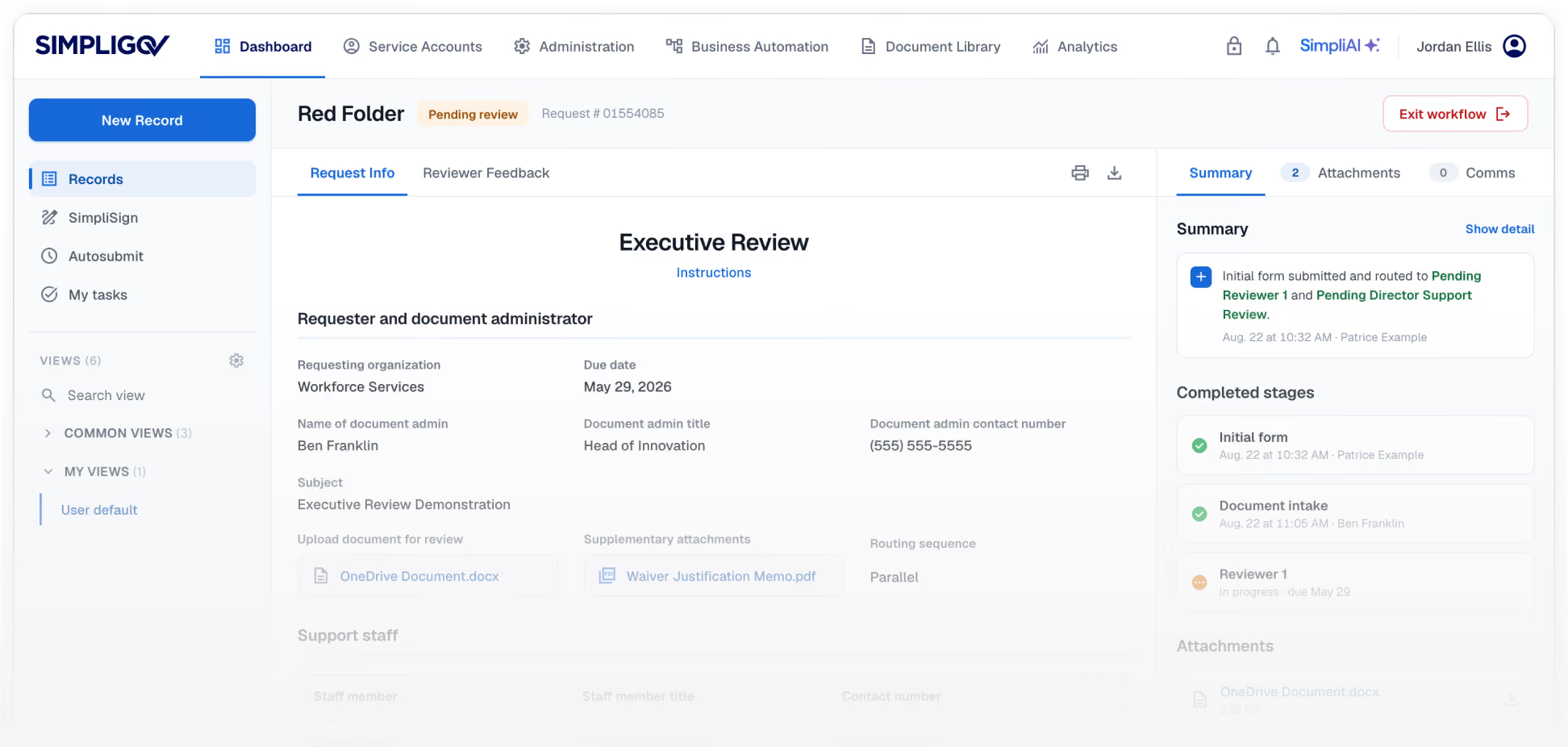
Make forms the starting point for digital service delivery. SimpliGov makes forms easier for constituents to complete and connects every submission to the process that comes next.
CORE CAPABILITIES
Streamlined constituent intake.
SimpliGov transforms legacy documents into smart, mobile-responsive online forms that meet these exact compliance standards.

PDF-to-Digital Conversion

ADA and WCAG 2.1 AA Compliance

Mobile-Friendly and Responsive

Smart Form Logic

Real-Time Tracking

Form Field Library
PDF-to-Digital Conversion
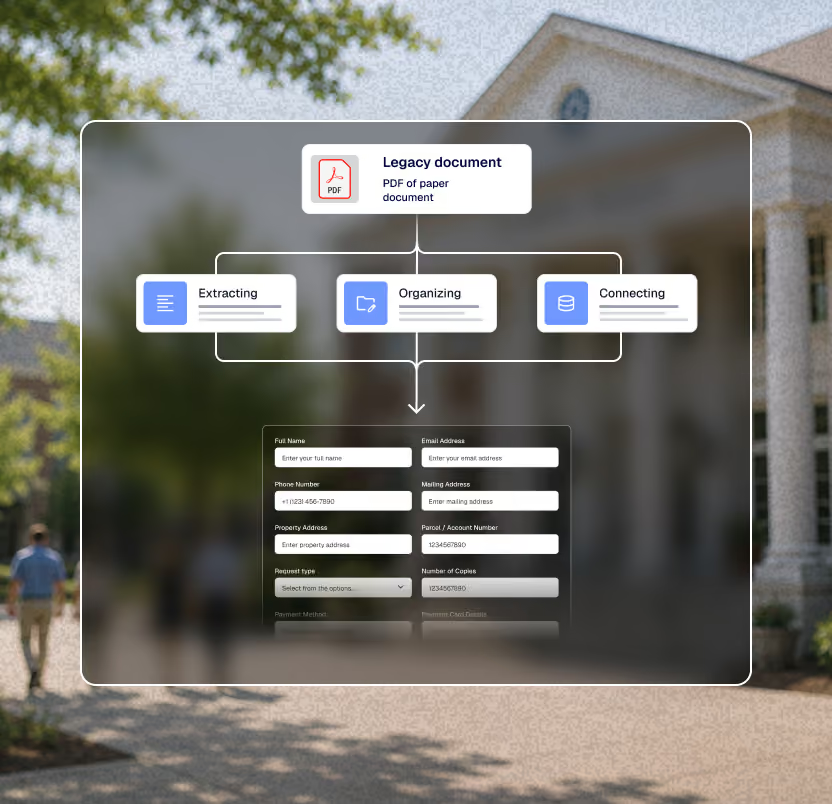
Digitize legacy documents with AI.
Transform physical paperwork and unstructured PDFs into trackable digital data using SimpliAI. Program teams upload existing files and convert them directly into online smart forms, eliminating manual data entry and standardizing information collection.
ADA and WCAG 2.1 AA Compliance
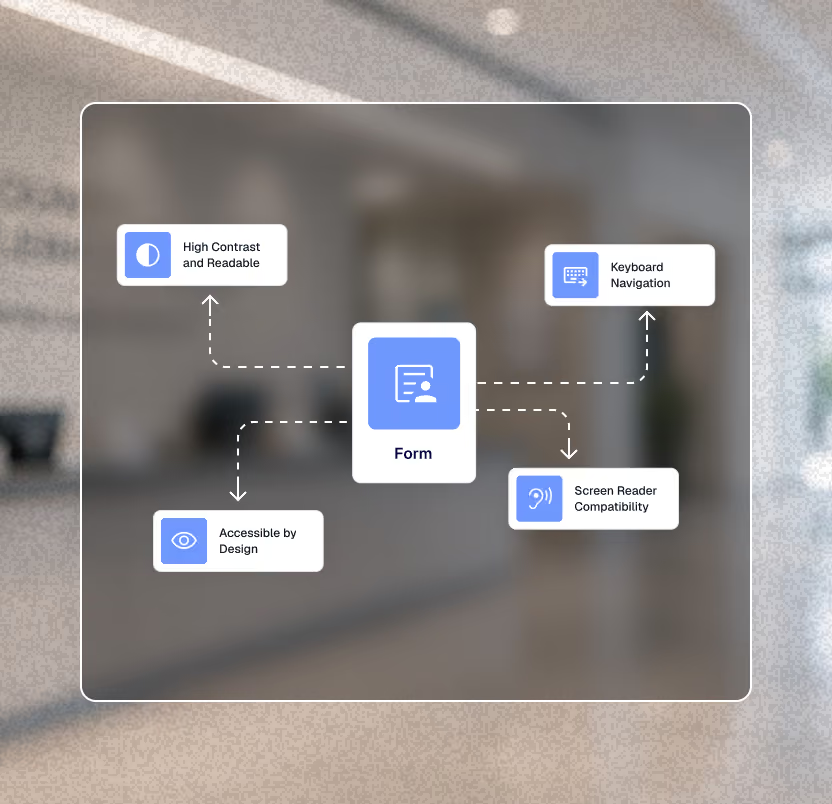
Meet strict accessibility mandates.
Public entities serving 50,000 or more people must comply with federal accessibility mandate 28 CFR Part 35 by April 26, 2027; smaller entities and special district governments by April 26, 2028. SimpliGov forms are accessible by design. They meet WCAG 2.1 AA standards to ensure all constituents can navigate and complete public-facing applications.
Mobile-Friendly and Responsive
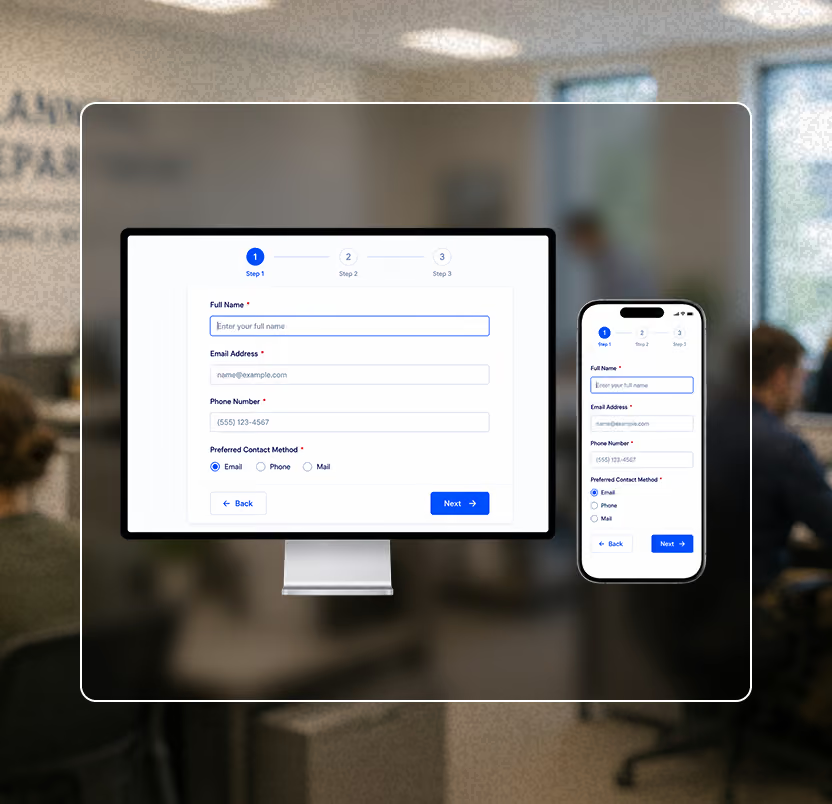
Operate consistently across devices.
Constituents access services from various devices. Digital forms adapt automatically to desktop, tablet, and mobile screens. Agencies can customize the interfaces with distinct branding to maintain institutional trust throughout the user experience.
Smart Form Logic
Guide the user experience.
Complex applications confuse applicants and cause submission errors. Program teams can utilize conditional fields, validation rules, and wizard-style flows to present only relevant questions based on previous answers and improve form completion rates.
Real-Time Tracking
Monitor submissions instantly.
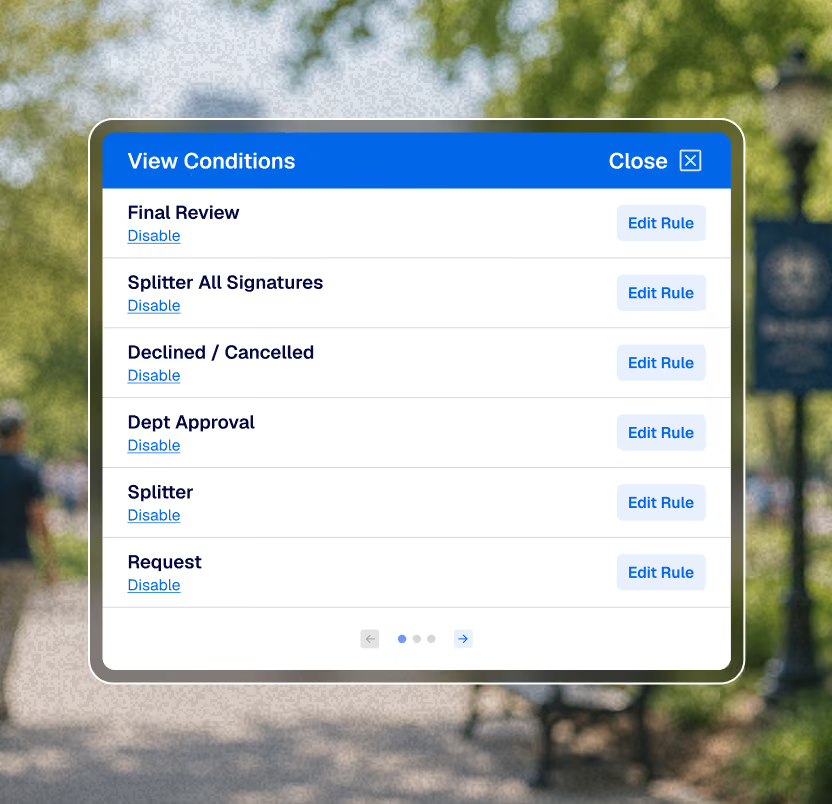
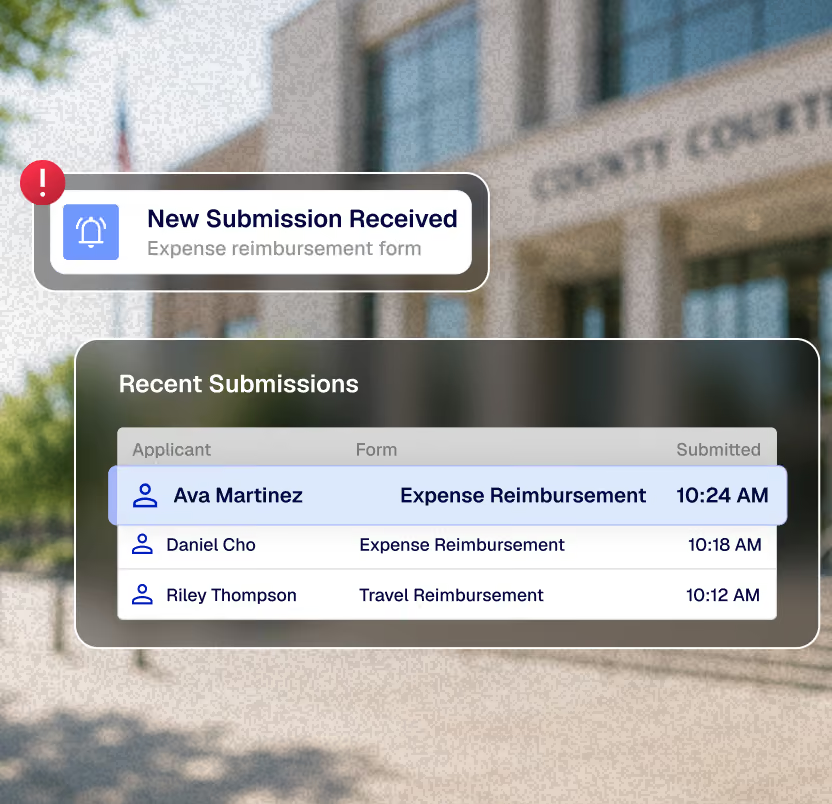
Waiting for batched updates creates operational blind spots. The platform provides immediate visibility into constituent interactions. Administrators monitor submissions, track incomplete applications, and view responses exactly as they enter the system.
Form Field Library
Standardize data collection.
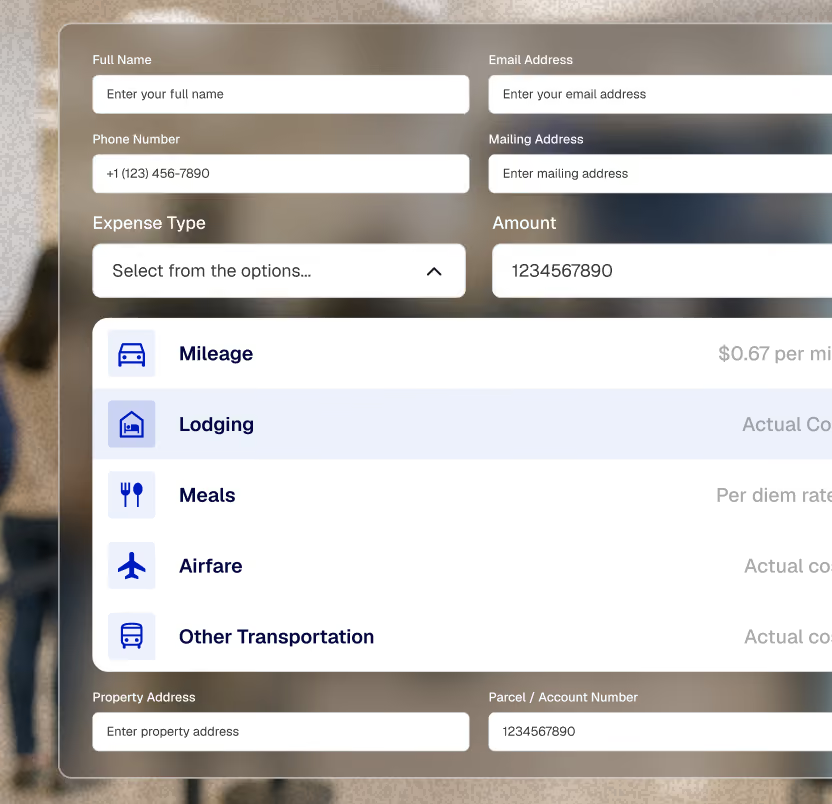
Build comprehensive forms without custom development. The platform includes a complete library of standard inputs. Users can access text fields, dropdown menus, multi-select options, secure file uploads, date pickers, and checkboxes to capture precise data formats.
Intake processes modernized.
Agencies rely on SimpliGov to handle critical public-facing applications and eliminate paper bottlenecks.
Success Story
New Castle County cut manual data entry in half by digitizing parcel reassessment submissions.
The digital form verifies each property against county records automatically and adapts to show the right fields for owners with multiple parcels.
Success Story
Guilford County built a 30-category ARPA application form and evaluated over 250 submissions in one month.
The form progressively displayed new fields based on prior answers, turning a 15-page paper application into a guided digital experience.
Take ownership of your program operations.
Schedule a demonstration to see how the SimpliGov platform could automate your agency's workflow.