
Telework Approvals
Collect telework requests, route them through every approval, and keep a signed, current agreement on file for every employee.
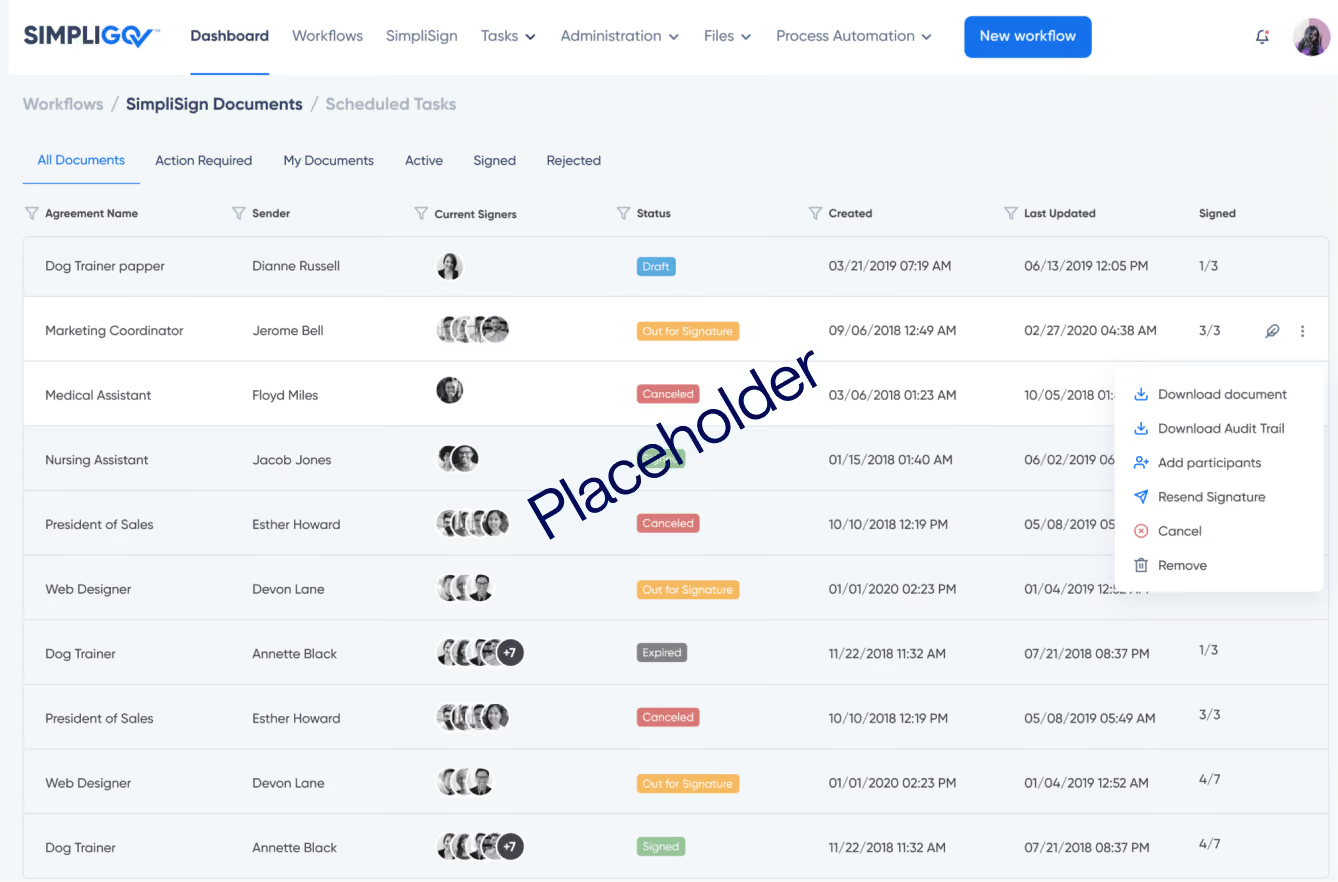
Collect telework requests, route them through every approval, and keep a signed, current agreement on file for every employee.
Overview
Return-to-office policies keep changing, and employees can't telework until their agreement is signed and approved. When requests move by email, PDF, or tools that weren't built for approvals, they wait between desks, and HR can't easily say which agreements are current. This workflow takes each request through every approval and keeps a signed agreement on file for every employee who teleworks.
Why it matters
Signed agreements without the wait
Requests move to each approver automatically, so employees aren’t held up waiting on a signature before they can start.
The same decision process for every employee
Every request follows the same path, and employees and HR can see where it stands at any point.
Coverage you can plan for
Managers can review requests by day before approving, so offices keep enough people on site.
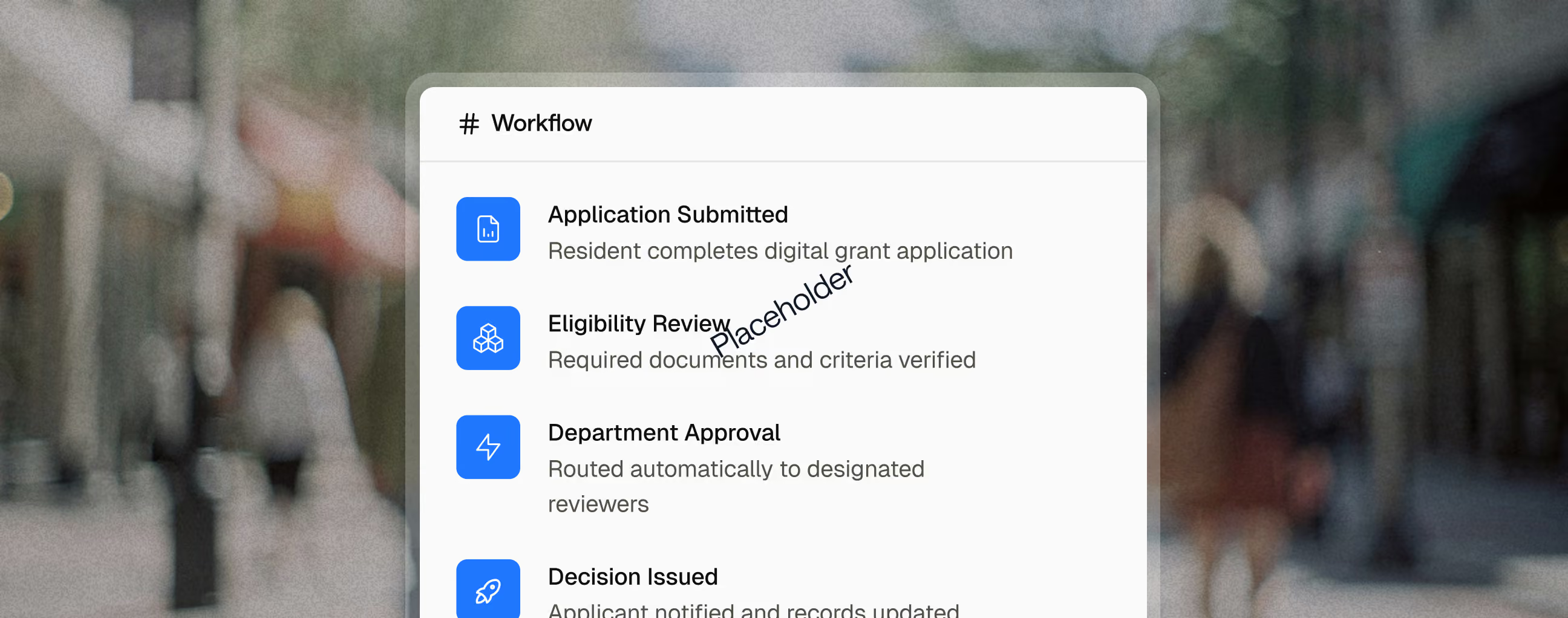
Key capabilities

Employees request their telework days and schedule type, including compressed schedules like 4/10s, on the same form.

Names and reporting lines come from your employee directory, so requests reach the right supervisor without manual lookup.

Approvers are alerted when a request is waiting on them, so decisions don’t stall at any level.

Employees sign when they submit, and approvers sign when they approve, with no printing or scanning.

HR can see which agreements are current and which are coming up for renewal.

Leadership can export approved schedules to confirm each location has enough staff on site.
Reporting and Outcomes

Reporting and Outcomes
Related use cases

Automate new hire provisioning and compliance tracking.
Explore purpose-built government workflow templates. Watch video walkthroughs, interact with live previews, and see exactly how automation transforms agency operations.
Ethics & Financial Disclosures (FPPC 700)
Automate procurement requests based on spending thresholds, goods classification, and departmental budgets.
Purchase Requisitions
Automate procurement requests based on spending thresholds, goods classification, and departmental budgets.
FAQ
What is a telework approval?
A telework approval is the formal sign-off that lets a government employee work remotely on a set schedule. It usually involves the employee's request, a supervisor's review, and a signed telework agreement that sets the terms. In most agencies, employees can't begin teleworking until that agreement is signed and approved.
Can a telework request include an alternate work schedule?
Yes. Employees can request telework days and a schedule type, including compressed schedules like 4/10s, on the same form, and both are approved together.
How do agencies approve telework without leaving offices short-staffed?
Collect every request before approving any, then look at coverage by day. Asking employees for preferred and backup days gives managers room to balance the schedule. One state department of education found that reconciling managers' spreadsheets for hundreds of employees was unworkable until requests came into one shared view.
How long does it take to set up a telework approval process?
That same state department of education built and launched its telework request process in under six weeks, using a team of state employees rather than outside developers.
Learn more about how agencies digitize Human Resources workflows, or implement this template directly.