
E-Recruitment & Employment Applications
Take in high volumes of applications, keep every applicant informed, and move new hires straight into onboarding.
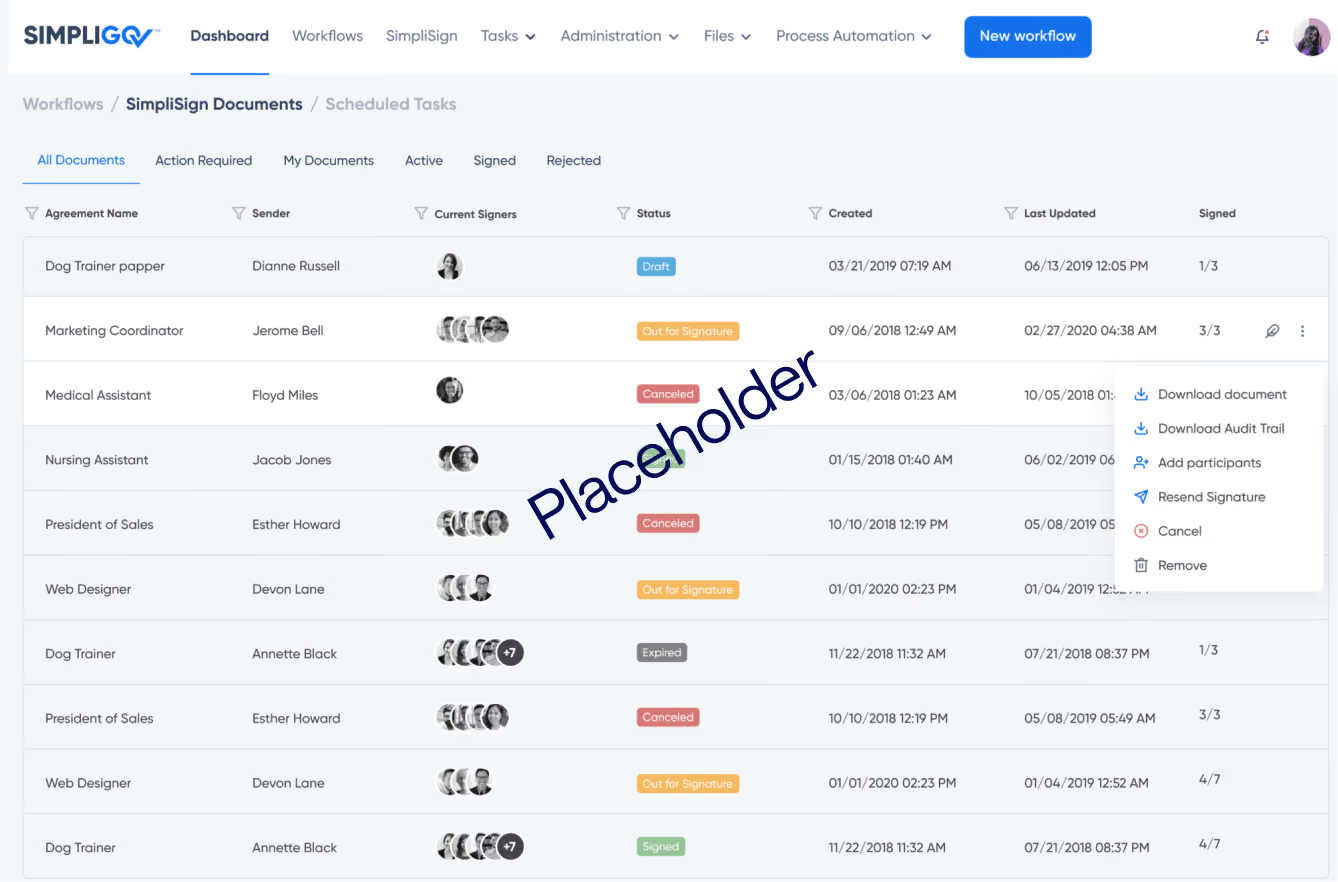
Take in high volumes of applications, keep every applicant informed, and move new hires straight into onboarding.
Overview
A single job opening can bring in more applications than a team can track by hand, and each one needs review by HR and the hiring team. On paper or over email, applications are hard to search, reviewers lose track of what's waiting on them, and applicants are left guessing where they stand. This workflow gives every application its own case file and keeps applicants updated from receipt to decision.
Why it matters
Every application accounted for
Each application has its own case file, searchable and tracked in one place.
Applicants who know where they stand
Applicants are notified on receipt, at each stage, and at decision, so HR fields fewer status calls.
A direct handoff to onboarding
An accepted offer sends the welcome letter and starts onboarding automatically.
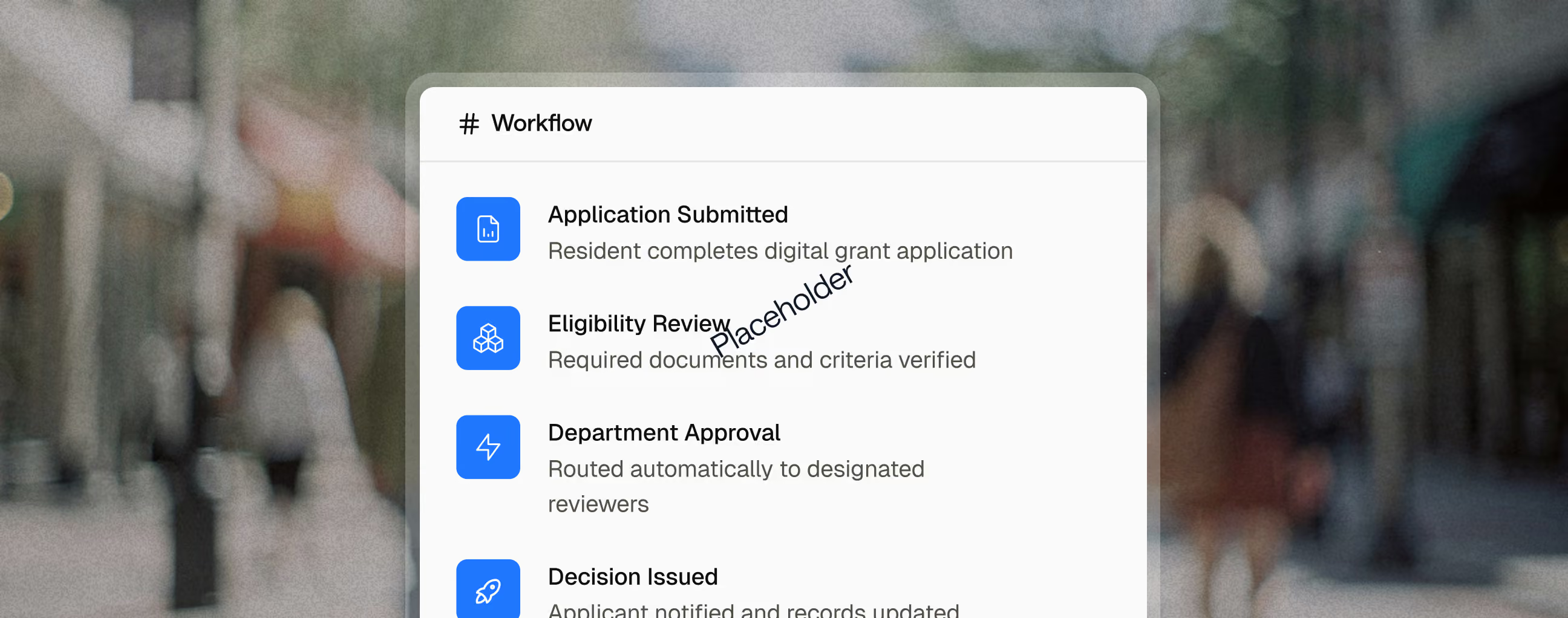
Key capabilities

Incomplete or incorrect entries are flagged before submission, so reviewers start with a complete application.

The application shows only the questions relevant to the role.

Transcripts, licenses, and other files upload directly to the applicant's case file, never into a shared inbox.

Each position can follow its own review sequence. One state licensing agency runs 28.

Applicants are notified on receipt, at each review stage, and when a decision is made.

Reviewers' questions and comments stay with the application, so the next reviewer has the full picture.
Reporting and Outcomes

Related use cases

Human Resources
Background Investigators
Interview Panels
Outside Reviewers
Applicant Background Screening
Bring every check, interview note, and reviewer decision on a candidate into one file.
Human Resources
Payroll
Payroll & Onboarding Forms
Get new hires through every form, signature, and department handoff before their first day.
Employees
Managers
Human Resources
Finance
Agency Leadership
Compensation & Classification
Route classification studies and pay changes through review with a full record of each decision.
FAQ
How does the government hiring process work?
Most agencies post the position, collect applications, screen for minimum qualifications, interview candidates, check references and backgrounds, and extend an offer. Civil service rules can add steps like exams or ranked eligibility lists.
How can agencies reduce applicant status calls?
Send automatic notices when an application is received, at each review stage, and when a decision is made. When one state licensing agency automated its applicant notices, status-check calls and emails dropped steeply.
Can different positions follow different review steps?
Yes. Each job type can have its own review sequence. One state licensing agency runs 28 variations of its application review workflow in SimpliGov.