
Compensation & Classification
Route classification studies and pay changes through review with a full record of each decision.
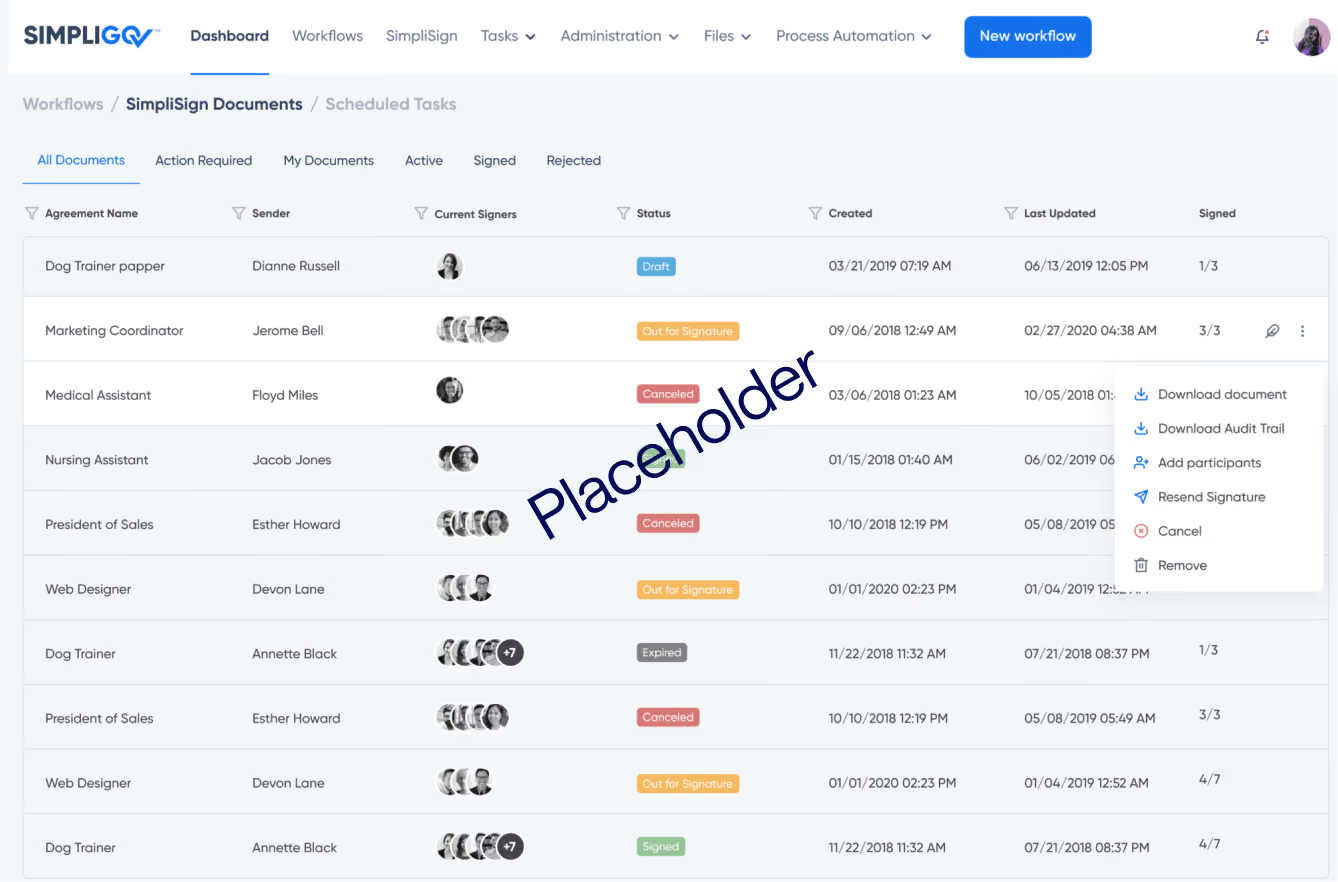
Route classification studies and pay changes through review with a full record of each decision.
Overview
A single reclassification request can involve the employee or manager who raised it, HR analysts, finance, agency leadership, and sometimes [a civil service commission or board]. Requests come in as memos and spreadsheets, desk audits get scheduled over email, and the reasoning behind a decision is hard to find later. This workflow keeps every request, analysis, and decision together in one record.
Why it matters
A consistent review for every request
Every request uses the same form and follows the review path set for its type.
Analysis kept with the decision
Position descriptions, audit notes, and salary data stay attached to the request they support.
Pay decisions you can stand behind
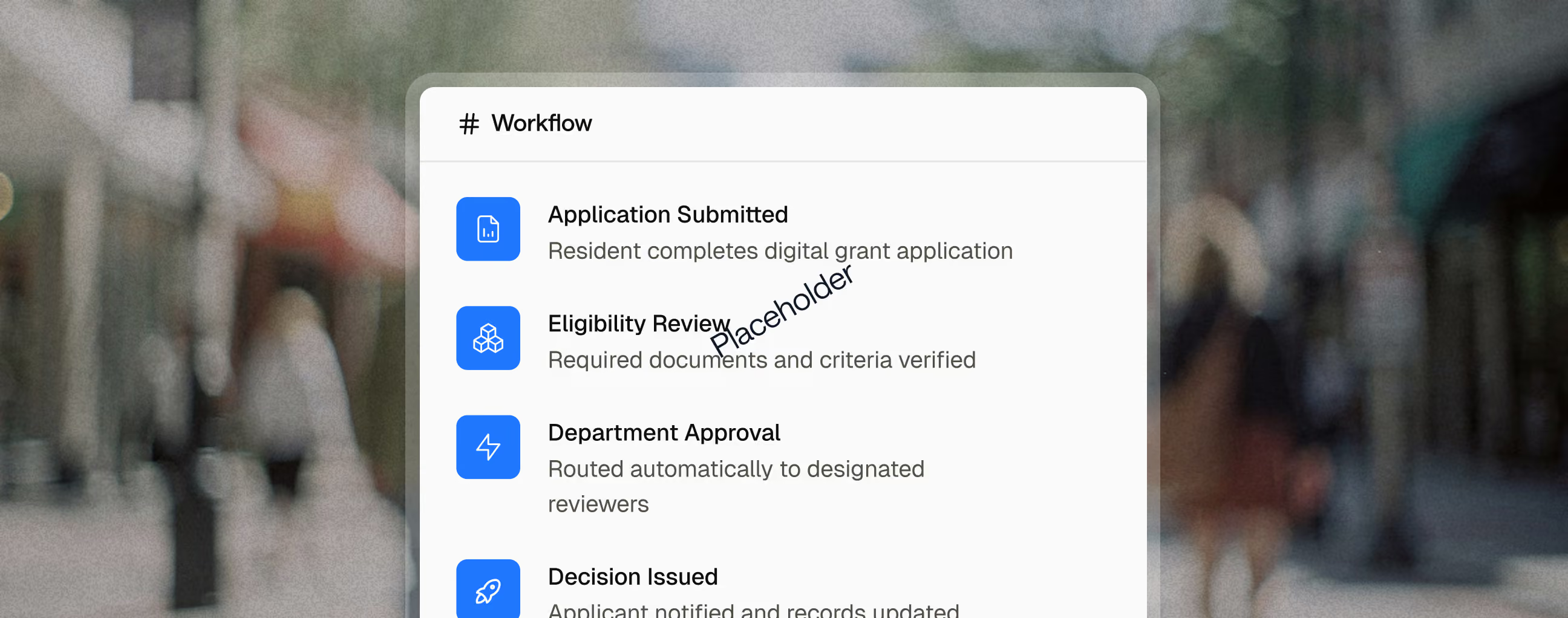
Every review, comment, and approval is recorded, so the basis for a decision is easy to show.
Key capabilities

Reclassifications, pay reviews, and [classification study] requests each ask for the information they need.

Position descriptions, salary data, and org charts are attached where every reviewer can see them.

Analysts record audit findings and the comparison to class specifications directly on the request.

Analysts' reasoning stays next to the recommendation, so approvers understand how it was reached.


Decision letters are created from the approved request and signed online by every required party.
Reporting and Outcomes

Related use cases

Human Resources
Benefits Administration
Finance
Agency Leadership
Personnel Action Requests
Move promotions, transfers, reclassifications, and separations through every required review, with a complete record at the end.
Applicants
Human Resources
Review Panels
E-Recruitment & Employment Applications
Take in high volumes of applications, keep every applicant informed, and move new hires straight into onboarding.
Employees
Human Resources
Supervisors
Policy Owners in IT, Legal and Safety
Policy Acknowledgements
Get every employee's signature on every policy, and know who still owes what.
FAQ
What is a desk audit?
A desk audit is a review in which an HR analyst meets with an employee, and often their supervisor, to document the duties a position actually performs. The findings help determine whether the position is correctly classified.
What is the difference between a reclassification and a promotion?
A reclassification changes how a position is classified because its duties have changed. A promotion moves an employee into a different, higher-level position. Both can change pay, but they follow different processes.
Can classification reviews include a commission or board approval?
Yes. Commission or board review can be added as a step wherever your rules require it, and the full history stays with the request.