
Personnel Action Requests
Move promotions, transfers, reclassifications, and separations through every required review, with a complete record at the end.
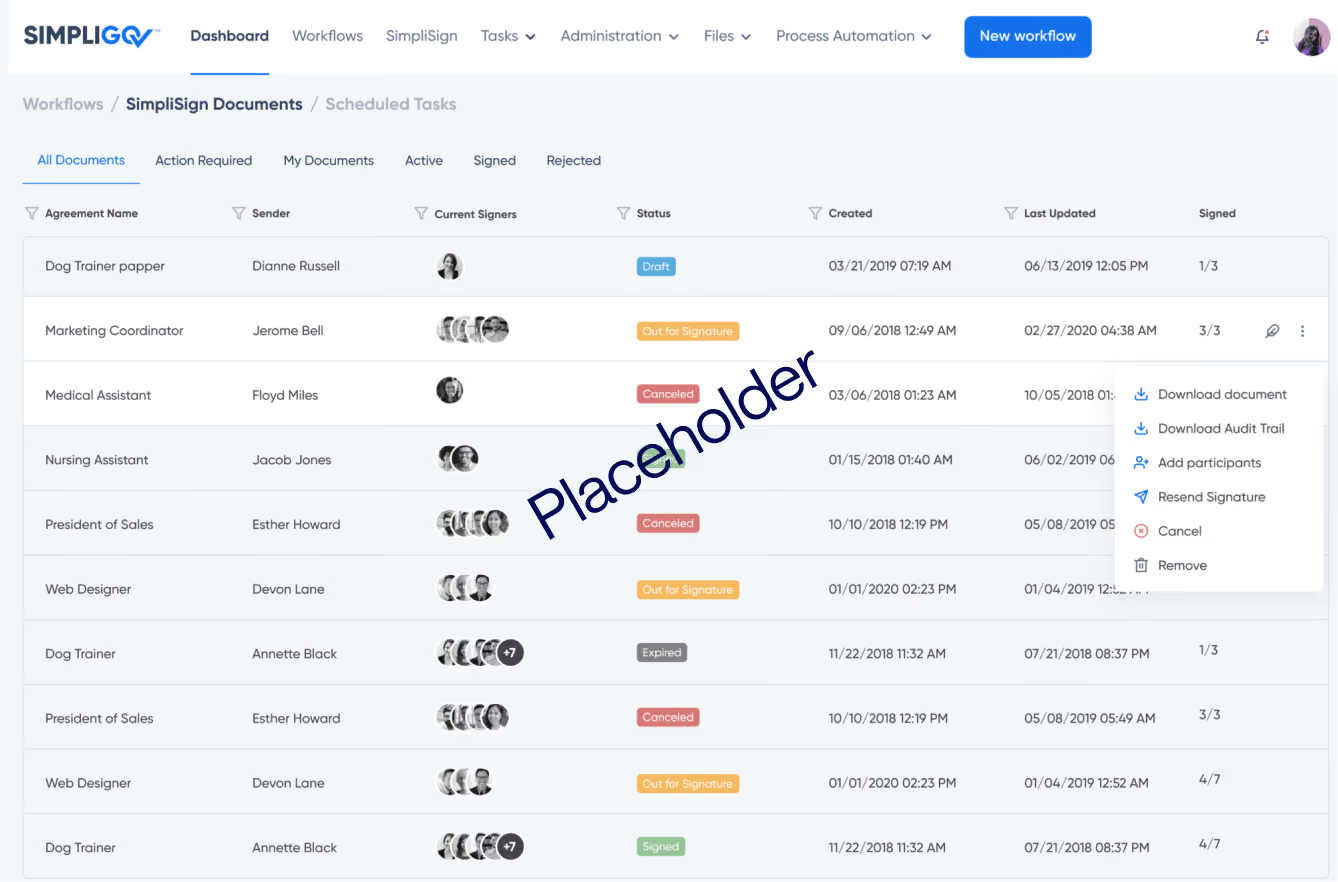
Move promotions, transfers, reclassifications, and separations through every required review, with a complete record at the end.
Overview
A single personnel action can pass through a hiring manager, HR, benefits, finance, and agency leadership before it's final. When that happens on paper and over email, packets get lost, steps get skipped, and no one can say where an action stands.
Whether your agency calls it a personnel action form (PAF) or a Request for Personnel Action, this workflow gives each action type its own form and review path.
Why it matters
Actions that keep moving
Each reviewer is alerted when an action reaches them, and HR can see who has every action right now.
Complete files on the first pass
Each action type asks for its own required details, so files reach HR ready for review.
A record that shows the process was followed
Every review, signature, and change is logged on the action, ready for an audit.
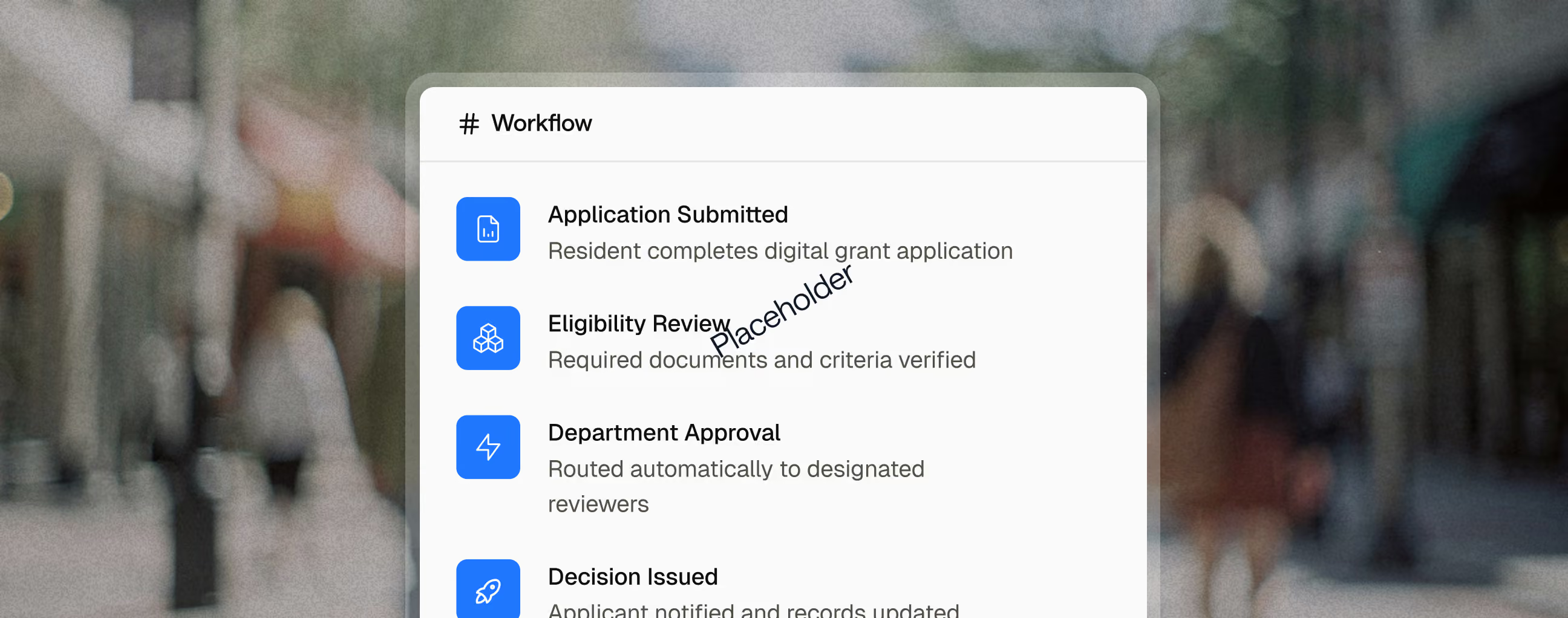
Key capabilities

Promotions, transfers, reclassifications, and separations each ask only for what that action requires.

Run approvals in order when the rules require it, or in parallel when they don't, to save days.

Approval routing can pause actions during a hiring or budget freeze, then resume when it lifts.

Each reviewer's comments stay on the action, so the next approver has the full context.

Every required party signs the final paperwork online, with no packets passed by hand.

Change forms and approval paths yourself when policy changes, without starting an IT project.
Reporting and Outcomes

ROI
60–90 days to 10 for an executive approval process with as many as 17 sign-offsUp to 88% faster from start to finish
Related use cases

Employees
Managers
Human Resources
Finance
Agency Leadership
Compensation & Classification
Route classification studies and pay changes through review with a full record of each decision.
Human Resources
Payroll
Payroll & Onboarding Forms
Get new hires through every form, signature, and department handoff before their first day.
Applicants
Human Resources
Review Panels
E-Recruitment & Employment Applications
Take in high volumes of applications, keep every applicant informed, and move new hires straight into onboarding.
FAQ
What is a personnel action request?
A personnel action request is the form that documents a change to an employee's job, pay, or status, such as a promotion, transfer, reclassification, or separation. Agencies may call it a personnel action form (PAF) or a Request for Personnel Action.
Why do personnel actions get stuck?
Most delays come from handoffs, not decisions. An action waits on a desk between reviewers, or comes back because a duty statement or signature is missing. Tracking where each action sits, and checking for completeness up front, removes most of that waiting.
What should HR look for in a personnel action workflow?
Look for forms that change by action type, approval routing that follows your rules (including holds during a hiring or budget freeze), and a complete record of every review and signature on the action itself.